
Johnston County Court Docket Searches
Start a Johnston County court docket search at the North Carolina eCourts Portal. Johnston joined the Odyssey pilot early. Now the Portal serves as the statewide window into case information. Smart Search takes a name or a case number. Enter a person's name last name first. A full case number works better, especially with common names. Keep one caution in mind: the public Portal is view-only. It helps you find and read case information, but it cannot replace filing, certification, or the Clerk's original file.
Bring the best identifier you have. Johnston's early-pilot case numbers may carry county code 500. Older records follow no single pattern. If nothing turns up, narrow the Johnston County docket search by location, case type, or status. Once the case appears, Search Hearings shows a future setting. Some records still need a different route entirely. A clerk-held paper file needs one route. An older document and a restricted record each get their own access path.
- Open the eCourts Portal and choose Smart Search.
- Enter a complete case number or a person name in last, first form.
- Select Johnston County when statewide results are too broad.
- Open the matching case number and read its Case Summary and Register of Actions.
- Use Search Hearings or the Clerk for a setting, file copy, or certification.
Johnston County Portal Search Fields
Smart Search needs at least one basic criterion before it runs. The advanced filters only refine a search. They cannot stand alone. The Portal guide warns that a broad name search can return 200 results. Use the county location and the other filters. Do not trust the first screen. The controls described here are the official Portal fields that support a Johnston County docket search.
| Portal field | Use | Johnston County note |
|---|---|---|
| Search Criteria | Name or case number | Enter a person as last name, first name. |
| Search Type | Changes the criterion | Includes case number, party, business, citation, and attorney choices. |
| Location | Narrows results | Select Johnston County for county court results. |
| Case Type / Status | Optional filters | Apply after a basic criterion to focus a large set. |
| Submit | Runs the search | Refine when the Portal reports 200 results. |
The official Portal landing screen separates Smart Search, hearings, judgments, and payments into their own choices. That layout explains why a case lookup and a court date lookup are related tasks but not the same task.
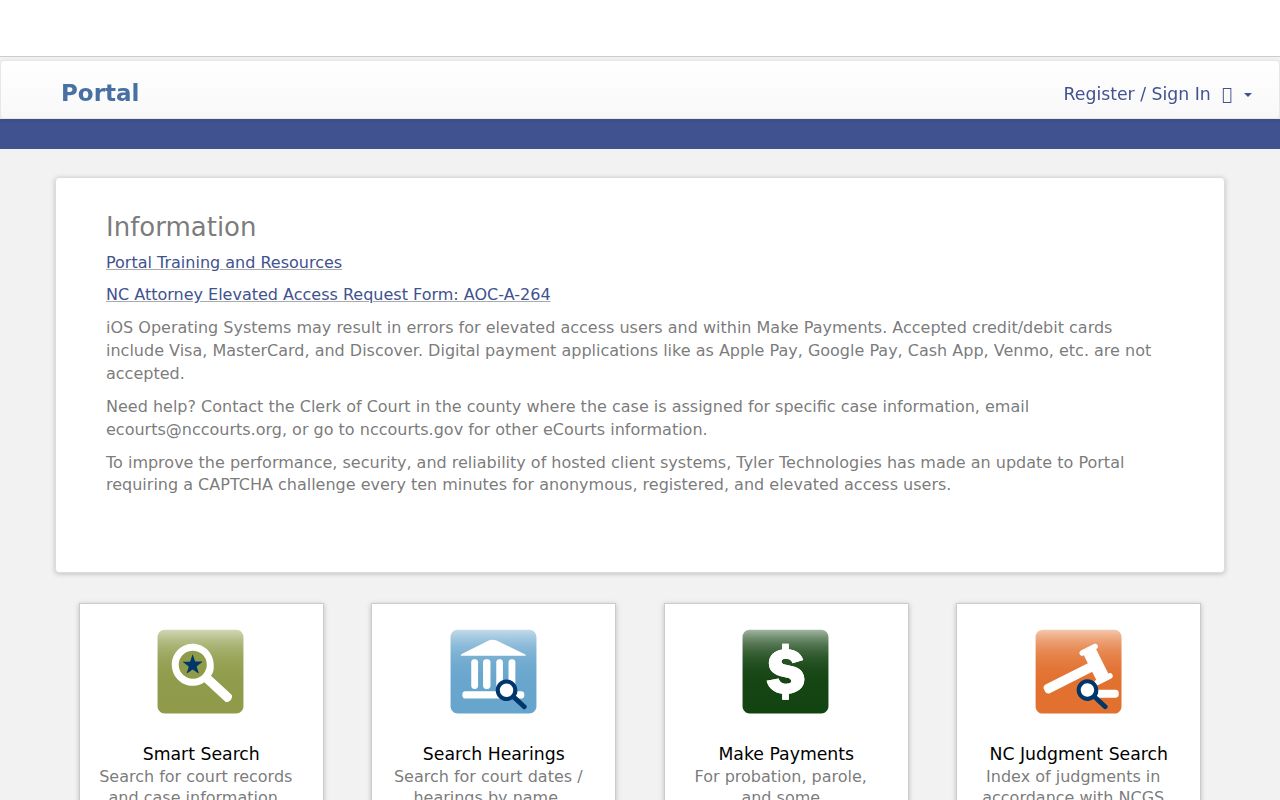
For a Johnston County court docket, Smart Search finds the case. Search Hearings suits a date range or a hearing criterion better.
Court Dockets: What They Show
In the Portal, a Johnston County court docket usually appears as a Case Summary. It pairs with a Register of Actions. The Register lists events in order. It shows whether a filing, notice, setting, order, or disposition sits in the system. One limit matters here. The official guide states this plainly. The Register of Actions is not the official court record. A missing section may simply mean no data exists there. It proves neither a zero payment balance nor a downloadable document.
| Case number and location | Identifies the case and county; complete numbers can include a county suffix. |
|---|---|
| Case type and status | Labels such as Pending, Disposed, Appealed, Reopened, or Stayed. |
| Register of Actions | Chronological Portal reference history for displayed events. |
| Hearing settings | Located through Search Hearings and confirmed with the court. |
| Dispositions | Available outcome detail when a displayed section exists. |
| Financial information | Appears only when data exists and needs current verification. |
Johnston County Register Time Limits
Johnston County moved to eCourts on February 13, 2023. That date shapes how you read older entries. Events from before the go-live can display 12:00 AM in Judgment Search, the official Portal guide notes. Don't read that as proof anything happened at midnight. It marks a conversion boundary. When timing matters, check the event description, the case context, and the official file.The Johnston eCourts launch announcement documents the pilot conversion. It explains why the electronic history helps but should not be overread as a full historical custody record.
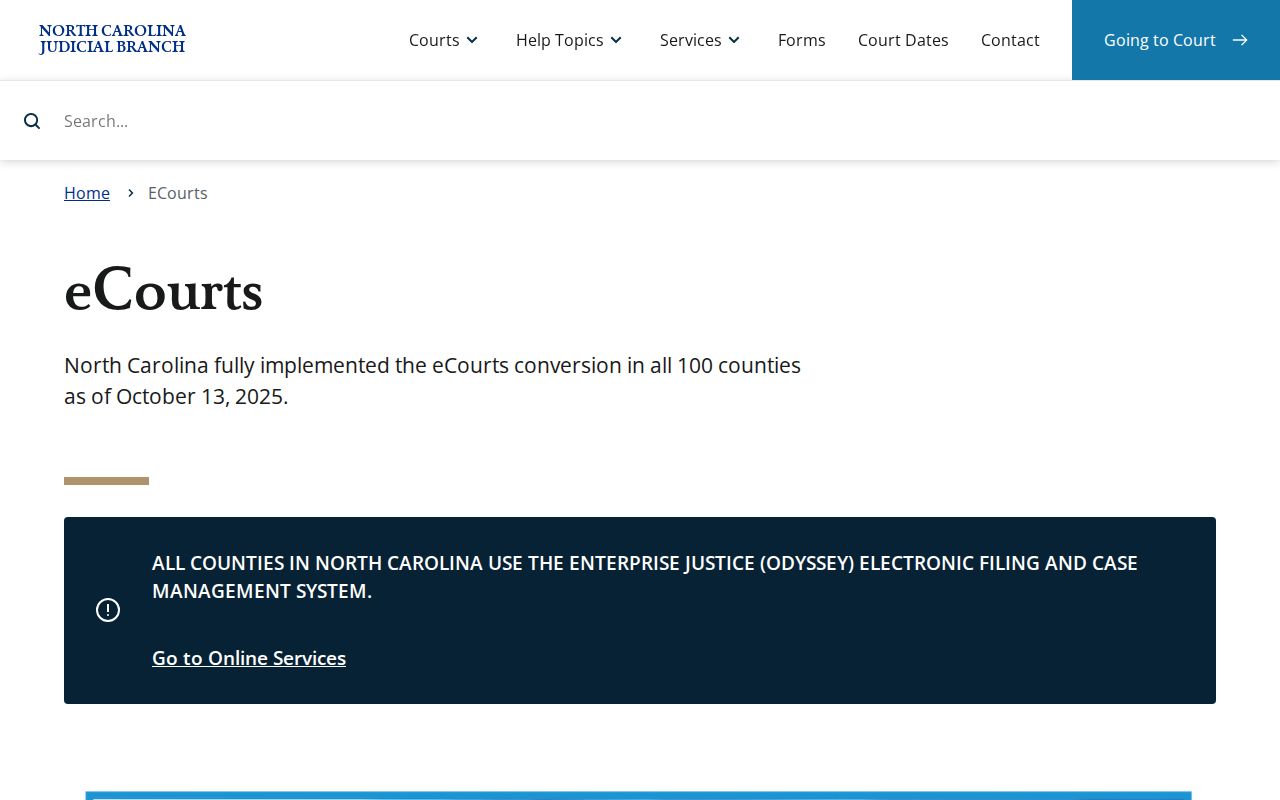
The statewide system now covers every North Carolina county. Still, Johnston's 2023 pilot date matters when you read older Portal material.
Johnston County Courts and Their Dockets
Johnston County sits in Superior Court District 13 and District Court District 12. There are no separate county and district clerks. One office keeps the files. The Johnston County Clerk of Superior Court handles civil, criminal, domestic, estates, special proceedings, and magistrate-connected matters filed in the county. Case type points to the likely court path. Even so, the Portal and the Clerk remain the shared starting points for any docket search.
| Court | Docket commonly covers | Where to search |
|---|---|---|
| Superior Court, District 13 | Felonies, larger civil matters, jury sessions, and District Court criminal appeals. | eCourts Portal, then Johnston Clerk for the official file. |
| District Court, District 12 | Misdemeanors, traffic, domestic matters, juvenile matters, and civil cases in its proper range. | eCourts Portal, schedules, and the Johnston Clerk. |
| Magistrates | Small claims and specified preliminary or criminal matters. | Clerk/courthouse channel and the magistrate office. |
| Clerk as probate judge | Estates, wills, and special proceedings. | Portal where available and the Johnston Clerk. |
North Carolina's court overview describes how the work divides statewide. It gives useful context for the Johnston County court docket split, without treating every traffic, civil, or felony matter as the same kind of record.
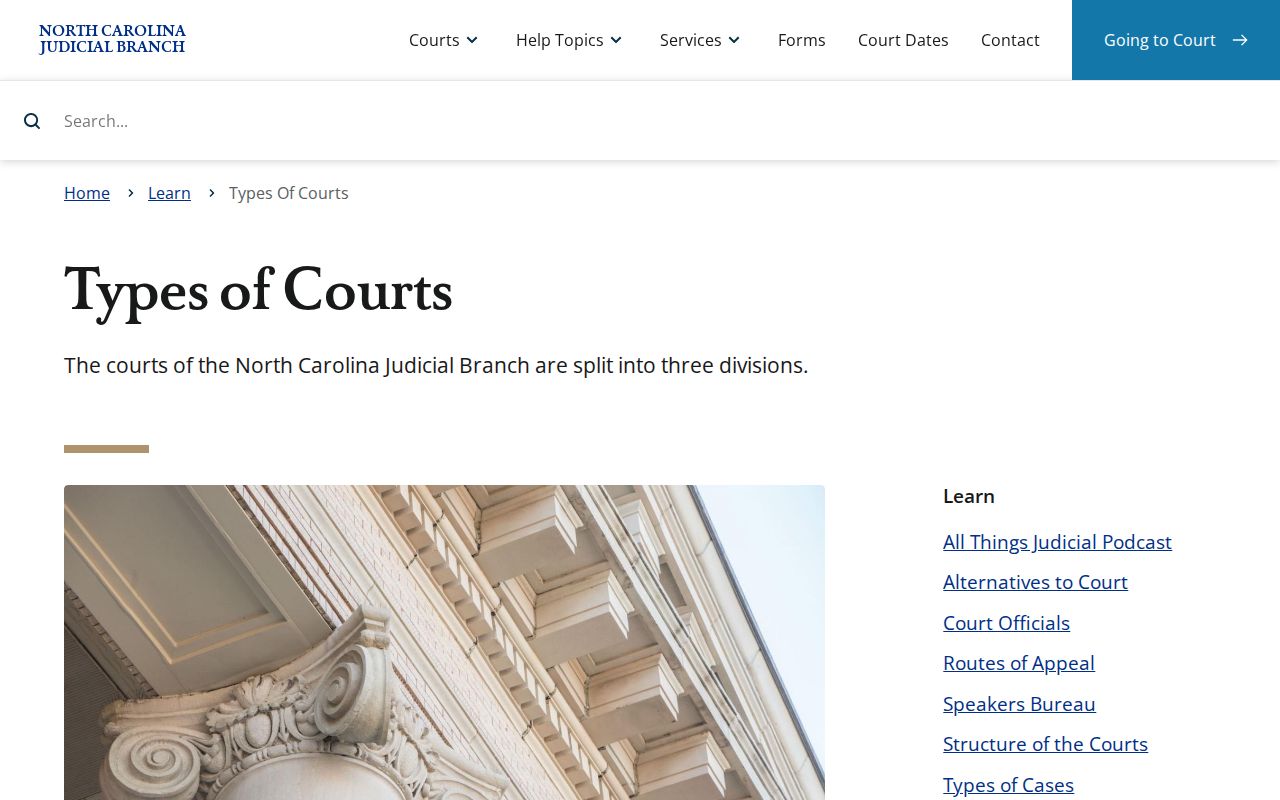
Court type tells you the usual docket path. Across every trial division, the Johnston County Clerk stays the channel for the original file.
Johnston County Court File Channels
The Portal works well as a fast reference screen. The Johnston County Clerk holds the actual court file. That gap matters when you need a document, a paper-file inspection, a certified copy, or a record that never went online. State guidance sends court-file users to the clerk in the county where the case sits. The NCAOC public-record request route covers that agency's administrative records, not a normal Johnston County case file.Johnston County court services names the local channels. When a Portal result is missing, the clerk counter is the practical fallback. The same goes when the case number needs confirming. So does an online view that lacks the document, with the public self-service terminal as the other option.
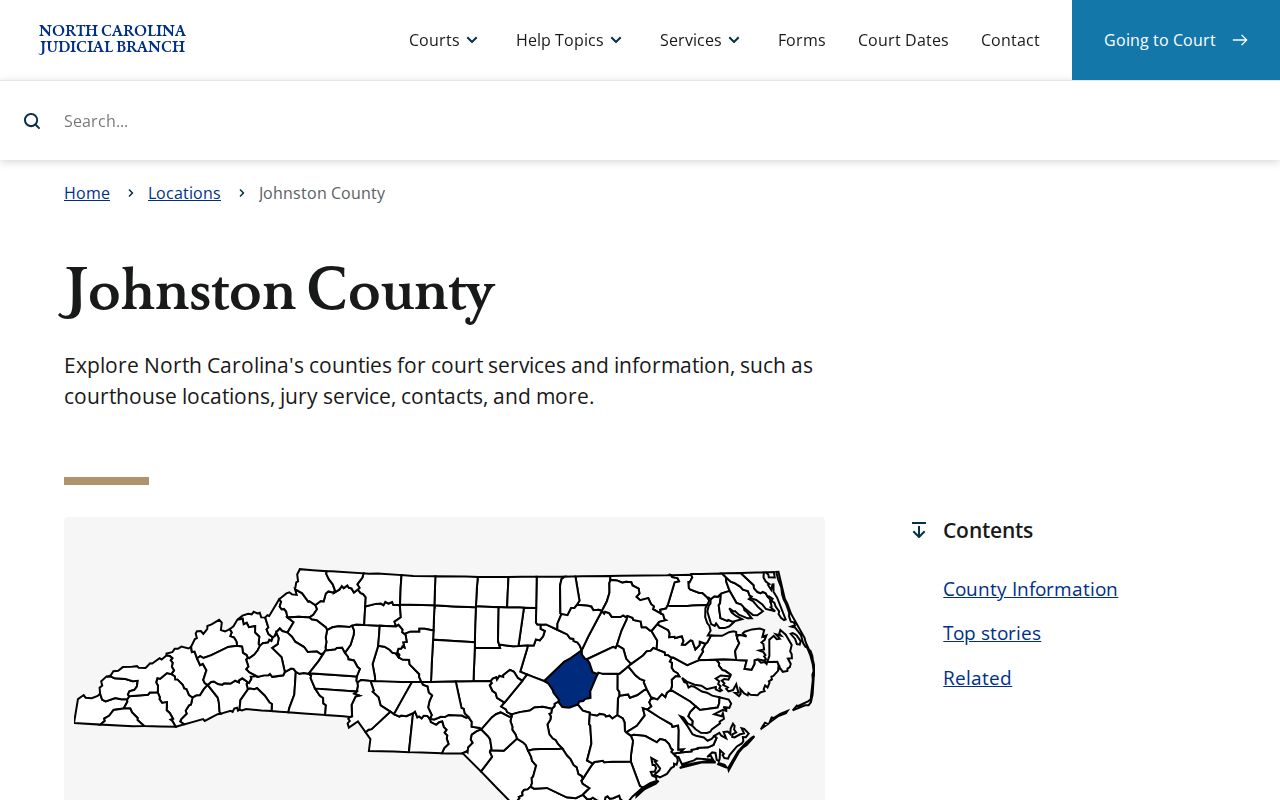
The court-services page ties together the county's unified Clerk, its court divisions, schedules, payment instructions, and other official services.
Court Dates and Settings in Johnston County
Need a hearing date in Johnston County? Start with Search Hearings on the Portal. Pick Johnston County, choose a hearing type, enter a search criterion, and keep the date range tight. Hearing types cover Civil, Criminal, Family, and Probate or Mental Health. A result is only a lead, though. If a setting looks changed, check the Register of Actions and then confirm with the right office: District Court Judges at (919) 209-5452, Superior Court Judges at (919) 209-5510, or the Clerk at (919) 209-5400.
The Johnston local schedules show how sessions are organized. You will find District 12 schedules, a master calendar, civil and criminal calendars, and named sessions like DWI, disposition, domestic motions, probation, juvenile, and Benson court dates. One caution: an administrative schedule does not prove your case is still set on it. The Johnston County court schedule page walks through the full hearing lookup step by step.
Johnston County Schedule and Hearings
A court schedule and a hearing search answer different questions. The schedule tells you when a court session is planned. Search Hearings, by contrast, filters Portal results by location, hearing type, a criterion, and dates. When a case seems to fit a calendar but the setting is unclear, run the case number or party search first. Then confirm with the proper judges' office. Domestic rules also make one point plain. A continuance is a court process, not an assumption that a listed term has already changed.
- Setting
- A scheduled court date or time that can change by court action.
- Hearing type
- The Portal category used to filter Civil, Criminal, Family, or Probate or Mental Health events.
- Disposition
- The outcome information shown where a case has a displayed disposition section.
- Bond forfeiture
- A Johnston schedule category concerning a bond issue, not a separate public court system.
Docket Access Under North Carolina Law
Access to a Johnston County court docket follows one public rule with real limits. Under G.S. 7A-109, records kept by the clerk are open for inspection during regular office hours. A law can block access. The Portal makes many nonrestricted case details easier to find. Still, it leaves out sensitive documents and restricted cases. Dates of birth are masked for ordinary public access. Victims do not appear in public returns. Open access to the court never means every case, document, or personal field is public.
Johnston County access rules:
G.S. 7A-109 keeps Clerk records open during regular office hours unless another law limits access.
G.S. 132-6.2 addresses public inspection, copies, and permitted copying or special-service costs.
G.S. 7B-3000 withholds juvenile court records from ordinary public inspection, subject to statutory rules.
G.S. 15A-151 protects confidential expunction files and limits disclosure.
Johnston County Court Docket Search Misses
A Johnston County court docket search can come up empty. That is still not the final answer. First, recheck the name format, the complete case number, and the Johnston location filter. A case may be restricted, sealed, juvenile, expunged, older than what is online, or just outside your search criteria. Never try to get around a restriction. Ask the Clerk instead about lawful access to the file. Ask whether a counter or public terminal search fits the situation.
The Johnston County Courthouse listing gives the Clerk's location. It also gives operating hours from the official source. That is the physical fallback when the Portal cannot supply enough and you need a lawful inspection or a copy request.
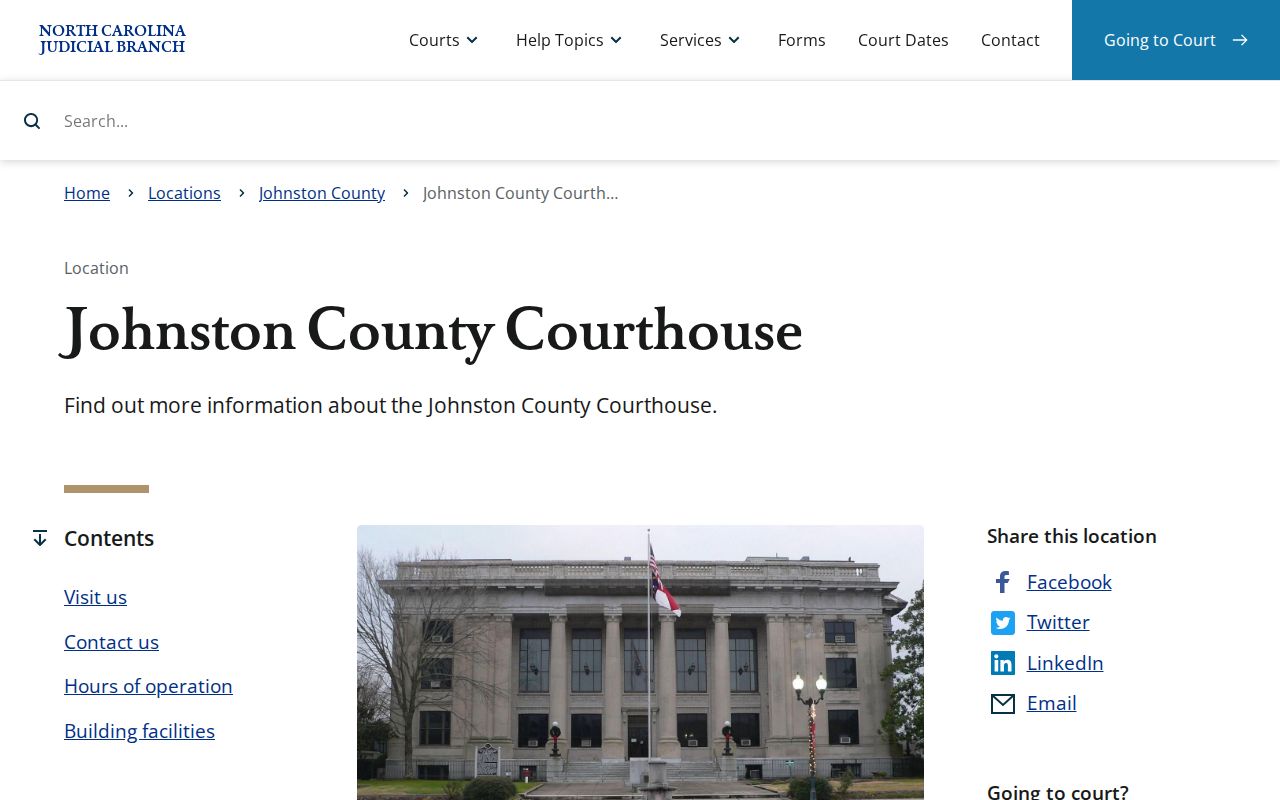
The Smithfield courthouse houses the Clerk's Civil, Criminal, Domestic, Estates, and Special Proceedings functions in one shared location.
How the Clerk Keeps Docket Records
Michelle Ball appears in the Judicial Branch listing as Johnston County Clerk of Superior Court. Her unified office holds custody of the county's court files. Those include Superior and District Court civil and criminal records, domestic files, estates, special proceedings, and magistrate-connected matters. After a Portal lookup, the Clerk is the path to the official file. Portal's Register of Actions helps you find the case, the event, and the rough date. Anything deeper must go through the Clerk. That means a certified copy, an inspection, or a document that never went online.
Johnston County Clerk of Superior Court
207 E Johnston St
Smithfield, NC 27577
(919) 209-5400
Statewide fee categories come from G.S. 7A-308. Prepared copies run $2.00 for the first page of each document and $0.25 for every added page or fraction. A certificate under seal carries a $3 component. Exemplification costs $10. Ask the Clerk for a total before any mail request, since the document, page count, and service you want all affect the price.
Johnston County eCourts Conversion
Johnston County helped launch eCourts. It was among the first four counties to go live on February 13, 2023, and the pilot brought Portal, Odyssey case management, and File & Serve online together. File & Serve handles filings. Portal is the public viewing side. That split is easy to miss under one statewide brand. A Portal user can pull up case information and hearings, but filings go through the separate service, and the Clerk still keeps official record custody.
The Judicial Branch eCourts overview confirms that Odyssey now serves all 100 North Carolina counties. Johnston's pilot history explains why local conversion takes care, without implying the county runs its own docket database.
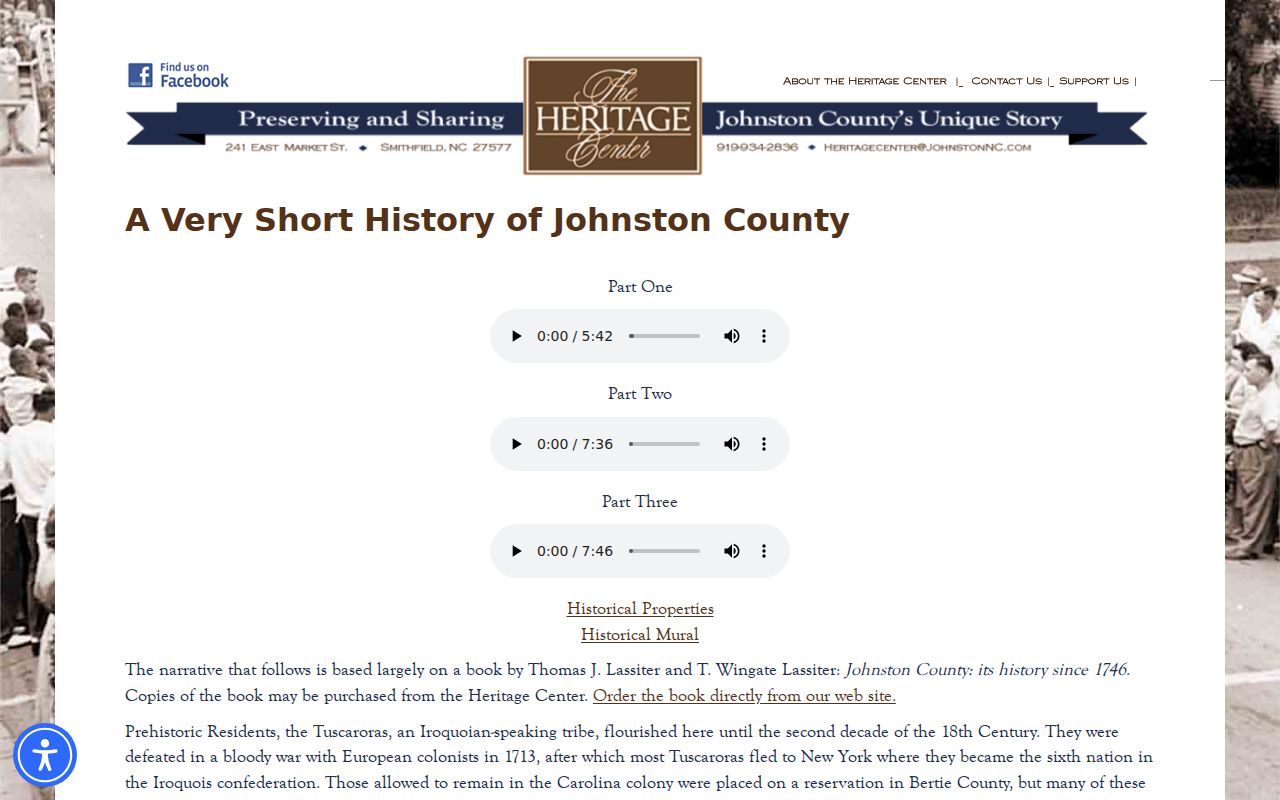
Johnston's courthouse moved to Smithfield in 1771. That is a useful reminder: historical court material and modern Portal coverage are two different questions.
Johnston County Court Data Context
One state court and Clerk structure serves all of Johnston County's incorporated towns. The state demographic office's Vintage 2024 estimates put Clayton at 31,312 residents. Smithfield sits at 12,373, Selma at 6,783, Archer Lodge at 5,371, and Benson at 4,525. None of those towns has its own official court-docket portal. A city name typed into a search usually loops back to the same route. That route is the Johnston County Portal and Clerk.
North Carolina OSBM's municipal estimate series is the source for the city figures. The count helps explain why city-specific court questions still run through one countywide case-file channel.
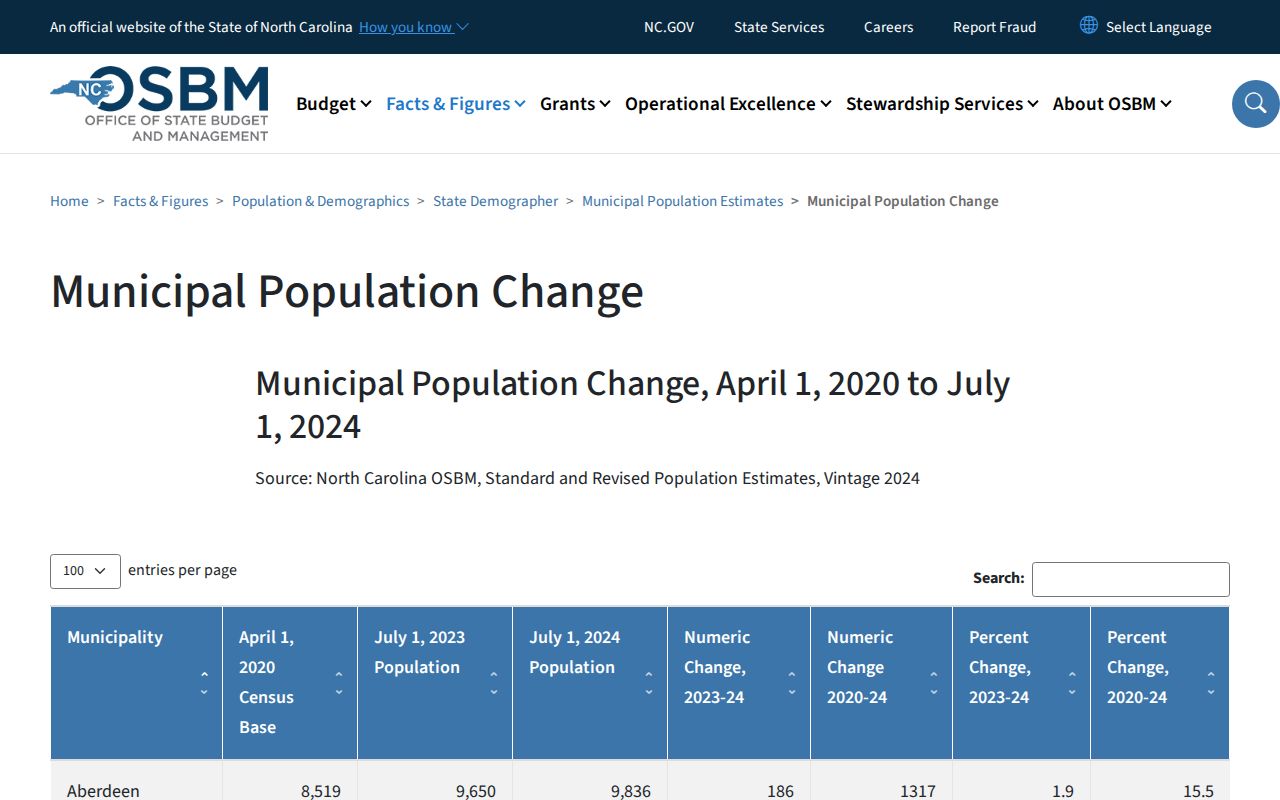
The state population source backs the five-city directory that follows. It does not change where the official Johnston County court docket is searched.
Johnston County Court Statistics Tool
Want a big-picture view of filings across Johnston County? The Judicial Branch Case Statistics Dashboard breaks counts down by county, court type, and case type. It covers filings, dispositions, pending cases, and similar measures. Treat it as context, not a docket. It cannot replace a case Register of Actions or the court calendar for one matter, and no Johnston-filtered filing total is asserted here. When county-level trends matter, apply the dashboard's own filters for current numbers.
The official entry point is North Carolina data and statistics. You can export views from the system. But a single Johnston County court docket still has to come through the Portal, the Clerk, or the right court office.
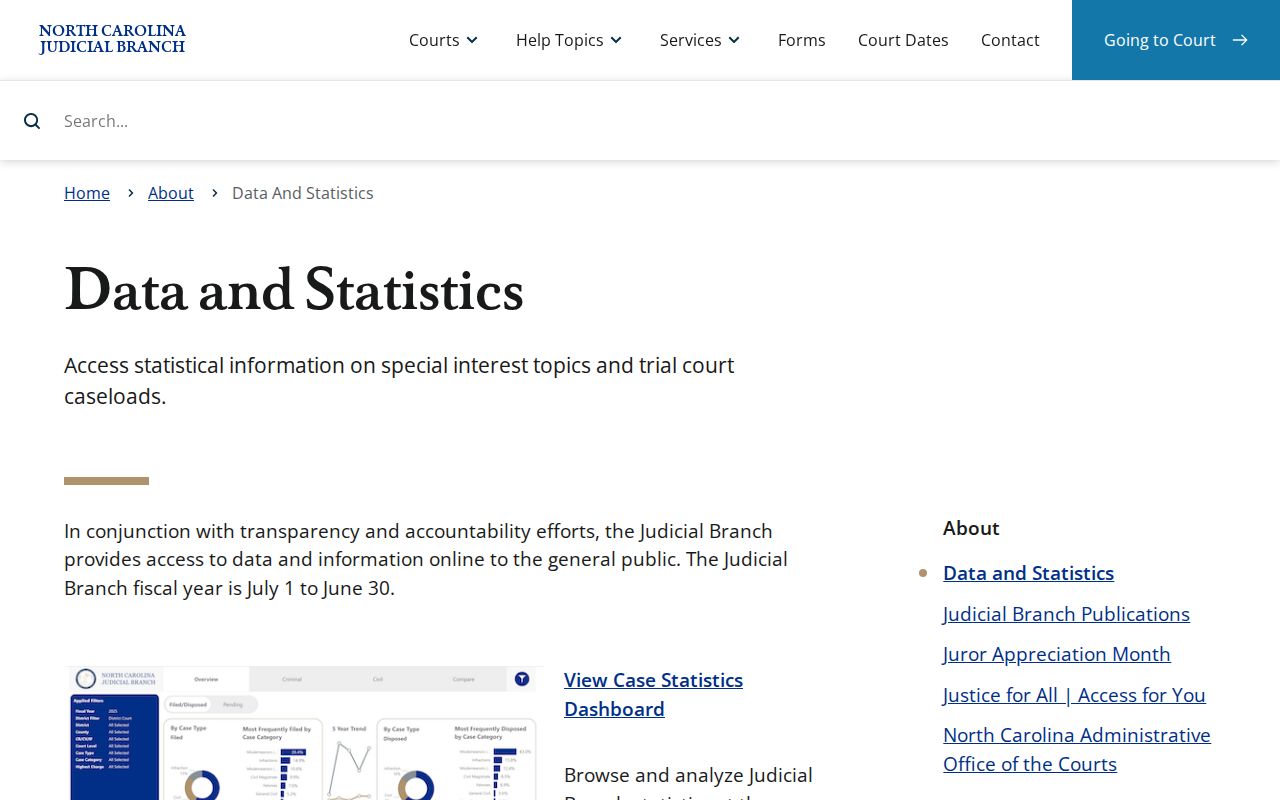
Statistics filtered to the county give useful background. They still cannot show the current setting or the official file for a specific Johnston case.
City-by-City Court Dockets in Johnston County
The five largest incorporated places in Johnston County are Clayton, Smithfield, Selma, Archer Lodge, and Benson. The official Vintage 2024 estimates rank them that way. None of them runs its own municipal-court docket portal. A city incident report may stay with local police or a sheriff-service channel. Any resulting state court case, though, rolls up to Johnston County District Court or Superior Court. The same Portal and Clerk handle the docket search there. Each city page below maps that local boundary and the county court route.
Clayton Court Records
31,312 residents. Clayton court matters use the Johnston County Portal and Clerk route.
Smithfield Court Records
12,373 residents. Smithfield is the courthouse city, but cases use the county system.
Selma Court Records
6,783 residents. Selma reports and Johnston court dockets have different custodians.
Archer Lodge Court Records
5,371 residents. Sheriff-provided police service does not create a docket.
Benson Court Records
4,525 residents. Benson dates appear in the Johnston District 12 schedule.
Map and Directions to the Johnston County Courthouse
Civil, Criminal, Domestic, Estates, and Special Proceedings all route through the same Clerk of Superior Court counter at the Johnston County Courthouse in downtown Smithfield. Superior Court Judges, District Court Judges, and the Magistrates' civil and criminal lines share the building, so a case can move between divisions without leaving this address. The handicapped entrance is on the Second Street side of the block, midway down.
Johnston County Courthouse
207 E Johnston St
Smithfield, NC 27577
(919) 209-5400
Weekdays, 8:00 a.m. to 5:00 p.m.
No official page lists parking, screening, or terminal-room details for this courthouse, so a call to the Clerk's office at (919) 209-5400 before an in-person visit is the safer plan, particularly for a certified copy or an older paper file.