
Johnston County Criminal Docket Searches
Most people begin at the North Carolina eCourts Portal. Anonymous visitors can open Smart Search. Type a name in last, first form, or a complete case number, then choose the matching case number. The screen you land on is the case summary. Click Register of Actions there to see events in order. Smart Search covers Odyssey counties statewide, so applying the Johnston location filter keeps unrelated cases out of your results.
A case-number search works best with the full number, dash, and county code wherever the format calls for one. Johnston's early pilot numbers carried county code 500, but the official guidance does not treat that as a universal format for every historical Johnston matter. One code will not fit all. Search Hearings works better for a planned appearance. The Johnston local schedules page links civil and criminal calendar resources.
- Open Smart Search in the eCourts Portal and enter a name or complete case number.
- Use Johnston County and any suitable case-type or status filters only after entering basic criteria.
- Open the correct case number and select the case summary's Register of Actions.
- Use Search Hearings with Johnston, Criminal, and a narrow date range to locate a setting.
- Contact the Johnston County Clerk of Superior Court for the file, a copy, certification, or a lawful access question.
Johnston Criminal Smart Search Fields
Smart Search has no separate criminal-only front screen. Start at Search Criteria. The advanced controls there let you select Johnston County, a search type, a case type, or a case status. The Portal's criminal vocabulary covers party name, case number, citation number, attorney information, case type, and status. A 200-result notice during a Johnston criminal search means the basic query was too broad. It does not mean the Portal returned every possible result.
| Portal control | Johnston criminal use |
|---|---|
| Search Criteria | Enter a complete case number or a person name as last, first. |
| Location | Select Johnston County to narrow statewide Odyssey matches. |
| Case Type and Status | Apply a compatible criminal filter after the basic search. |
| Search Hearings | Select Criminal, a criterion, and a focused date range for settings. |
Johnston Portal results leave victims out of the public return set and mask dates of birth for ordinary public access. Neither point means your search failed. Both are privacy features of the system. Begin with the narrowest reliable details you have, then widen a too-broad name search carefully.
Criminal Dockets: What They Show
A Johnston case summary shows only what the system holds. Behind it sits the Register of Actions. That chronological event list helps separate a pending case from one with a listed disposition, while a separate financial section appears only when financial information exists. The Portal guidance promises no downloadable document image. It does not guarantee a bond figure, a charge citation, or a particular disposition code in every Johnston criminal matter.
| Case number | The court identifier, which should be entered completely when searching by number. |
|---|---|
| Case type and status | Searchable labels such as Pending, Disposed, Appealed, Reopened, Stayed, or transfer-related status. |
| Register events | Chronological filings, notices, settings, orders, and other recorded case actions. |
| Dispositions | The section the Portal identifies for detailed outcome information when it is available. |
| Hearing information | A separate Search Hearings result can identify settings that should be confirmed with the court. |
For the official original, an identified document, or a certified copy, use the court-records process through the county clerk. The online Register is a reference screen, not the official court record.
Johnston Criminal Results and Privacy
A blank result can mean several things. The name or number may be typed wrong. Johnston may not be selected, or the case may fall outside your chosen filters. Restricted matters return nothing too. The eCourts guidance is plain on this point: sensitive documents and restricted records stay closed to ordinary public viewing. So an empty Johnston Portal result is not proof that a Johnston case never existed.
Public results mask birth dates as xx/xx/xxxx. Juvenile court records sit under separate confidentiality rules. Expunction files have limited statutory access. When one specific file matters, ask the Johnston County Clerk of Superior Court about access rather than trying to work around a restriction.
Note: A Portal case summary works well for a current check. The clerk still keeps the original Johnston criminal files and every certified copy.
Criminal Case Stages on the Docket
Read a Johnston Register of Actions in date order. A single label will not tell the story. A filing opens the Johnston court history. Later entries may show an arraignment, a pretrial setting, a plea or trial, a disposition, and sentencing-related action. Disposed means a disposition occurred in the displayed system. The Johnston entry itself supplies the context for what actually happened.
Johnston criminal docket flow: Filing → Arraignment → Pretrial → Plea or Trial → Disposition → Sentencing
When a Johnston District Court criminal appeal goes forward, the matter can move to Superior Court for a new trial. A transferred status is not a final result. It marks a change in the case path.
Johnston Criminal Court Split
Johnston County uses the unified North Carolina General Court of Justice. Superior Court District 13 hears felonies. District Court District 12 takes the nonfelony side. It holds original jurisdiction over nonfelony criminal actions, including misdemeanors and traffic infractions. Magistrates serve as District Court officers. They handle specified preliminary criminal work and limited matters. All three paths lead back to the Johnston County Clerk of Superior Court.
| Johnston court path | Typical criminal work | Setting contact |
|---|---|---|
| Superior Court District 13 | Felonies and District Court criminal appeals. | Superior Court Judges' office: (919) 209-5510. |
| District Court District 12 | Misdemeanors, traffic infractions, and other nonfelony actions. | District Court Judges' office: (919) 209-5452. |
| Magistrates | Specified preliminary criminal matters and limited pleas. | Criminal magistrates: (919) 209-5462. |
One Portal search covers each of these Johnston criminal paths. The court division tells you the type of proceeding. It also tells you who to call about a setting. The Johnston Clerk keeps the official case file. The Clerk decides its public-access limits. That split never changes, no matter which division handles the matter.
Johnston County Criminal Docket Courts
Johnston County runs criminal hearings out of more than one courtroom. The online search stays the same. Start with the Portal for any Johnston County criminal docket. When you need to confirm a setting, call the right court office. The Johnston contact directory lists the Clerk, the judges' offices, the magistrates, and the District Attorney. The District Attorney can speak to prosecution choices. The Clerk remains the office that keeps the Johnston criminal court record.
Need a file pulled, a copy made, or a certified record? The Johnston County Clerk works from the Johnston County Courthouse. The address is 207 E Johnston St, Smithfield. The general Clerk number is (919) 209-5400. A self-service terminal sits in the clerk's office too. It is a handy option when the Portal leaves out nonrestricted material you need to see.
For phone numbers and office details in one place, the official Johnston court contact directory shows each local court office the courthouse lists.
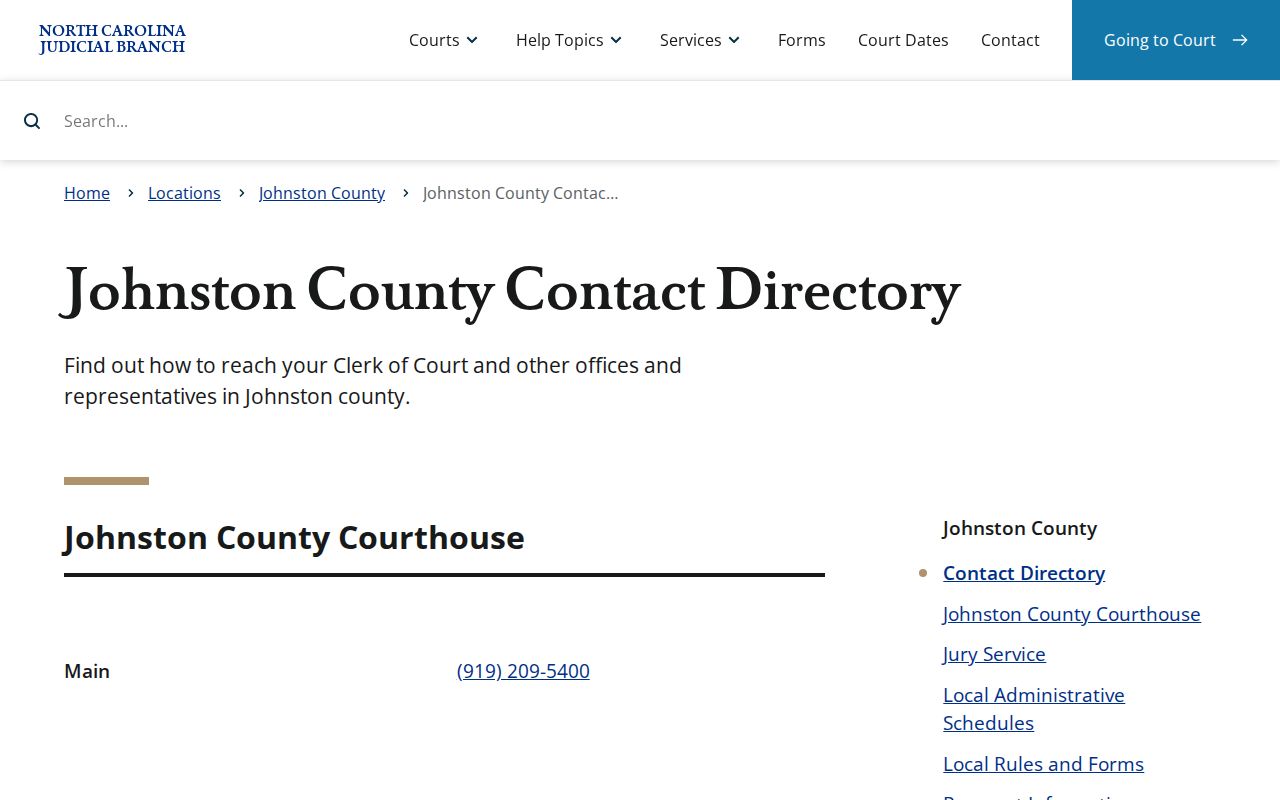
Call the judges' or magistrates' number to sort out a setting. Bring file questions to the clerk instead.
Johnston Criminal File Counter
A Portal display alone will not get you an original-file inspection, a certified copy, an older item, or a particular filing. Those come through the Johnston clerk. Before you call, write down the case number, party name, court level, document or event title, and a rough date. That saves everyone time.
The clerk's public terminal covers research in civil, criminal, special-proceeding, and estates matters. It fills the gaps when online access runs short.
Johnston County Clerk of Superior Court
207 E Johnston St
Smithfield, NC
(919) 209-5400
Two systems, two jobs. North Carolina eCourts/Enterprise Justice manages Johnston cases, while File & Serve handles filing. Neither replaces Portal searching. Neither replaces a clerk copy request.
Access Rules for Criminal Dockets
North Carolina's public-access rules let you inspect clerk-maintained records during regular office hours. A different rule applies only when a law says otherwise. That general rule has limits. The Portal leaves out restricted and sensitive material. Juvenile files carry separate protections, and expunction records stay confidential under their governing statute. Ask the Johnston Clerk about the right channel for any nonrestricted record. What the law withholds, the clerk cannot hand over.
Key Johnston access rules
G.S. 7A-109 keeps clerk records open during regular hours unless access is prohibited by law.
G.S. 7B-3000 withholds juvenile court records from public inspection except under its access rules.
G.S. 15A-151 makes expunction files confidential and limits disclosure.
For a public Johnston criminal case, go Portal first. Then turn to the Johnston Clerk for inspection or a copy. The Portal's Register of Actions may flag an event, but a certified document only comes from the clerk's official-file channel.
Johnston Criminal DWI Calendar
Johnston's published schedules list a DWI Court session. Disposition, probation-cause, probation-violation, bond-forfeiture, juvenile, and other District 12 calendar labels appear there too. The DWI label is just a session context, not a separate municipal docket system. For one Johnston case, use Search Hearings or the Register of Actions. Then confirm the current setting with the court office involved.
In 2024, Johnston County got its first public defender. That milestone did not move the public criminal docket path at all. Court information stays in the Portal. The official case file stays with the Johnston County Clerk of Superior Court. A Judicial Branch announcement documents the change.
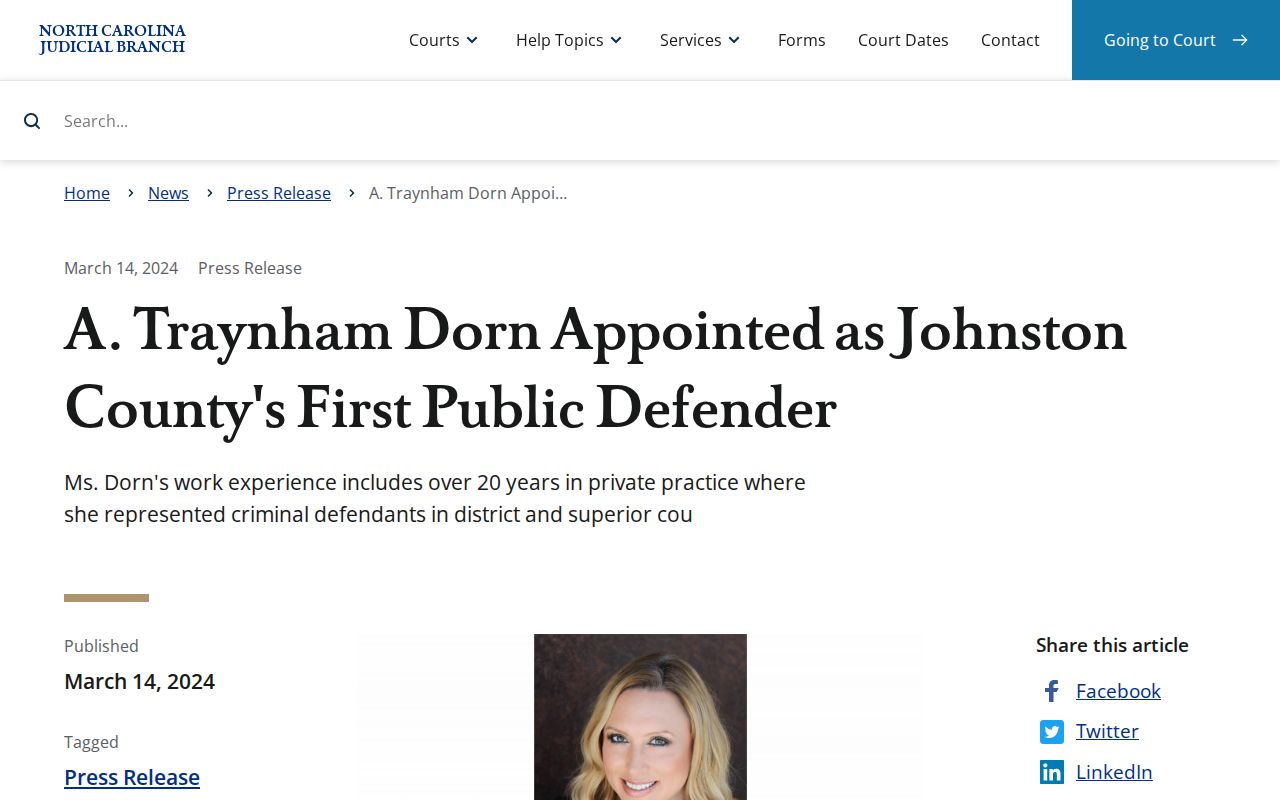
The milestone adds local court context only. Case-specific criminal hearings still need a current Portal or court-office check.