
How the Johnston County Court Calendar Works
Three date channels work together in Johnston County. The North Carolina eCourts Portal offers Search Hearings for an electronic Johnston hearing search. The county's local schedules page posts standing and administrative schedules, and it also links to civil and criminal calendars. When a setting changes, confirm it. Use the case's Register of Actions, the relevant judges' office, or the Johnston County Clerk of Superior Court. The Johnston court landing page lays out the county court services. No single general Johnston calendar replaces a case-specific search.
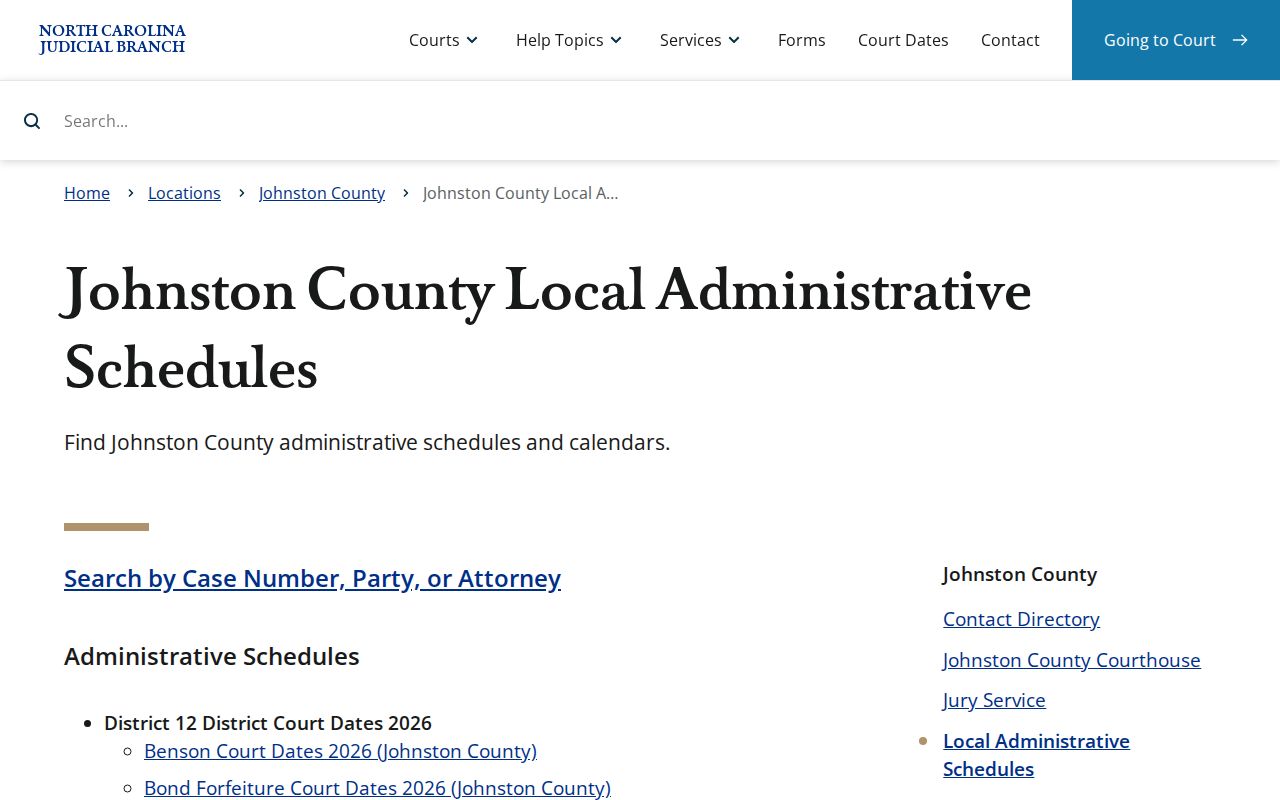
The Johnston local administrative schedules page splits its material into District 12 2026 schedules, a master calendar, Civil Calendars, and Criminal Calendars. Its Johnston list covers domestic, DWI, disposition, juvenile, probation, bond-forfeiture, DSS, IV-D, People's Court, School Court, and court-holiday entries. These labels help you spot a session type. They do not, by themselves, prove a particular case is called.
Johnston Court Hearing Search Fields
Search Hearings in the North Carolina eCourts Portal is the focused tool for a Johnston court date. Set Johnston County as the location. Then choose a hearing type. Pick a search type, supply the required value, and set a date range. The Johnston search guide accepts Civil, Criminal, Family, and Probate or Mental Health as high-level hearing categories. Search by a Johnston case number too. Party name, business name, attorney name, attorney bar number, judicial officer, or courtroom also work.
| Search Hearings field | Use for Johnston court dates |
|---|---|
| Location | Choose Johnston County rather than All Locations. |
| Hearing Type | Select Civil, Criminal, Family, Probate or Mental Health, or All Hearing Types as appropriate. |
| Search Type and value | Use a case number, name, attorney, judicial officer, or courtroom supported by the screen. |
| Date From and Date To | Limit the results to the time period needed. |
| Submit | Returns hearings that meet the entered parameters. |
The official instructions describe a Johnston return set filtered by county, date, and criterion. No fixed result-column order is promised. Open the related Johnston case or call the court to confirm a listed setting's current status.
Johnston County Court Date Lookups
A Johnston case number is your best tool. It is the most specific search, so use it whenever you have it. Party, attorney, or courtroom criteria fill the gap. Use them when the number is unknown, and keep the Johnston date span narrow so unrelated results stay out of the way. From there, the Portal's Smart Search can open the case summary and Register of Actions for a related Johnston case. Remember the division of labor. A schedule gives local session context. Search Hearings is built to find a specific setting.
- Open Search Hearings and select Johnston County, the relevant hearing type, and a focused date range.
- Search by case number when available, or use another published criterion such as party name, attorney, or courtroom.
- Open Smart Search for the matched case and read recent Register of Actions entries for setting, continuance, disposition, or order clues.
- Check the relevant Johnston schedule for session-level context, especially DWI, domestic, probation, disposition, or Benson date patterns.
- Confirm a changed or uncertain setting with the appropriate judges' office or the Johnston County Clerk of Superior Court.
Online channels are not the only route in Johnston. Phone the Clerk at (919) 209-5400, the District Court Judges' office at (919) 209-5452, or the Superior Court Judges' office at (919) 209-5510. The Johnston courthouse clerk channel and its public self-service terminals also serve anyone who must locate a case in person.
Johnston Court Schedule Labels
Johnston's schedule labels describe different court sessions. DWI, domestic motion, domestic trial, bond forfeiture, probation cause, probation violation, disposition, juvenile, IV-D, DSS, School Court, and People's Court are not interchangeable Johnston labels. Begin with the visible Johnston hearing type. Pair it with the case record. Then use the Johnston local schedule to understand what sort of session may be planned. Note what the schedule source leaves out. It does not publish program eligibility, judge, or separate docket-number rules for every specialized label.
- Setting
- A planned court date or session that can be continued or reset by court action.
- Hearing type
- The Portal filter label for categories such as Civil, Criminal, Family, or Probate or Mental Health.
- Disposition
- A Johnston schedule label and case-record term connected to outcome activity.
- Bond forfeiture
- A published local schedule category concerning a bond issue.
- Probation cause or violation
- Separate schedule labels that identify particular probation-related sessions.
Note: A specialized Johnston session label gives local calendar context only. Check it against the individual Johnston case before any court appearance.
Court Settings: What Each Field Means
Read a Johnston court setting as a current event. It ties together a case, a court division, and a date range. The Portal guide supports descriptions of the Johnston county/location, hearing type, search criterion, and selected dates. But it makes no such promise. Not every public result displays a courtroom, judge, or time in the same order. For a particular Johnston case, play it safe. The Register of Actions and the Johnston court office are the safer confirmation sources.
| Location | The selected court county, which should be Johnston County for a local hearing search. |
|---|---|
| Hearing type | The Portal category, such as Civil, Criminal, Family, or Probate or Mental Health. |
| Search criterion | The case number, party, attorney, judicial officer, courtroom, or other published search type used. |
| Date range | The From and To dates that limit the hearing return set. |
| Related case | The case summary and Register of Actions used to check current case events and setting clues. |
A Johnston scheduled session may carry an administrative start time or a court-call context. That can differ from one matter's actual sequence. If the record is unclear, confirm the current time and appearance instruction with the Johnston court.
Johnston Court Confirmation Calls
Johnston's contact directory splits the general clerk channel from court offices that clarify settings. Use the Johnston Clerk for the official file and general record questions. Need to know which court setting is current? Use the Johnston District Court or Superior Court judges' office. That operational split does not create separate record custodians. One office still holds the unified county file. The Johnston County Clerk of Superior Court remains the custodian for the trial-court case record.
Johnston court-date contacts
Clerk: (919) 209-5400
District Court Judges: (919) 209-5452
Superior Court Judges: (919) 209-5510
For the court file, use the Clerk. For a setting clarification, use the relevant court office.
The official Johnston contact directory supplies the local office channels. Turn to it after the Portal and Register of Actions have identified your Johnston court level and case context.
When a Court Date Moves
A Johnston County setting can be continued, reset, or called off entirely. The docket will reflect that once the court acts. Two tools help you spot it. The current Johnston case Register of Actions may show a setting, a continuance, a disposition, or the trace of a recent order. The Johnston schedules page lays out the session framework. Remember that a session calendar proves nothing about whether your individual case is still called. If the date is close, or the case activity hints at change, check the Portal result again.
Johnston District 12 domestic rules show how the mechanics work in practice. There, the Chief District Court Judge directs preparation of the calendars. Terms are published in advance quarterly. Specific term calendars, when available, surface through Odyssey civil calendars by date. A written continuance motion is required except in an emergency. That procedure alone promises no new date.
The official Johnston schedules page lays out the local calendar channel the court uses.
Printed schedules still help you plan around a session week. But only the live case file and the court office can confirm whether an individual Johnston setting actually moved.
Johnston Domestic Continuance Practice
Johnston domestic terms follow a published local rhythm. The case still controls, though. Under the Johnston District 12 rules, the Chief District Court Judge directs how calendars are prepared. Terms go out in advance on a quarterly basis. When specific term calendars exist, Odyssey publishes them under civil calendars by date. That context helps you read a Johnston domestic docket. It cannot hand you the court date for one particular case.
A continuance request in these matters generally must be in writing unless an emergency exists. If you hold a current Johnston case, verify the Portal status. Read the Register of Actions. Then call the proper court channel for the latest procedure. Formal decisions belong to the court alone.
Missed Settings and What Comes Next
Miss a Johnston court setting? Start with the case itself. Pull the current Register of Actions and the Search Hearings result first. Then call the relevant court office or the Clerk without delay and ask what the record shows and which local channel applies. The right next step turns on the case type, the court division, and any order already entered, so a general schedule will not answer that question for you.
Missed a Johnston setting? Check the current Portal case information, then contact the relevant Johnston court office or Clerk without relying on an older calendar entry.
For a setting in District Court, the District Court Judges' office is (919) 209-5452; for Superior Court, use (919) 209-5510.
The Clerk at (919) 209-5400 is the county file channel for the official court record and related access questions.
Have the case number and the date you searched in hand when you call. A tight case reference lets the Johnston court office tell a published session apart from your specific setting. It also gives the Clerk a clean starting point for locating the official file.
Johnston Benson Court Dates
Benson court dates surface inside Johnston's District 12 scheduling materials. There is no separate Benson municipal court docket portal. In fact, no such portal exists. A Benson citation or case typically travels the same Johnston County state-court system. That means the same Portal, clerk, and District Court channels used across the county's other locations. For a case-specific date, Search Hearings and the individual Register of Actions remain the tools that answer the question.
For a wider look, the state calendar search sits at the North Carolina civil and criminal calendars interface. Pair it with the local schedules and the Portal. A session list should never stand in for confirmation on one individual case.
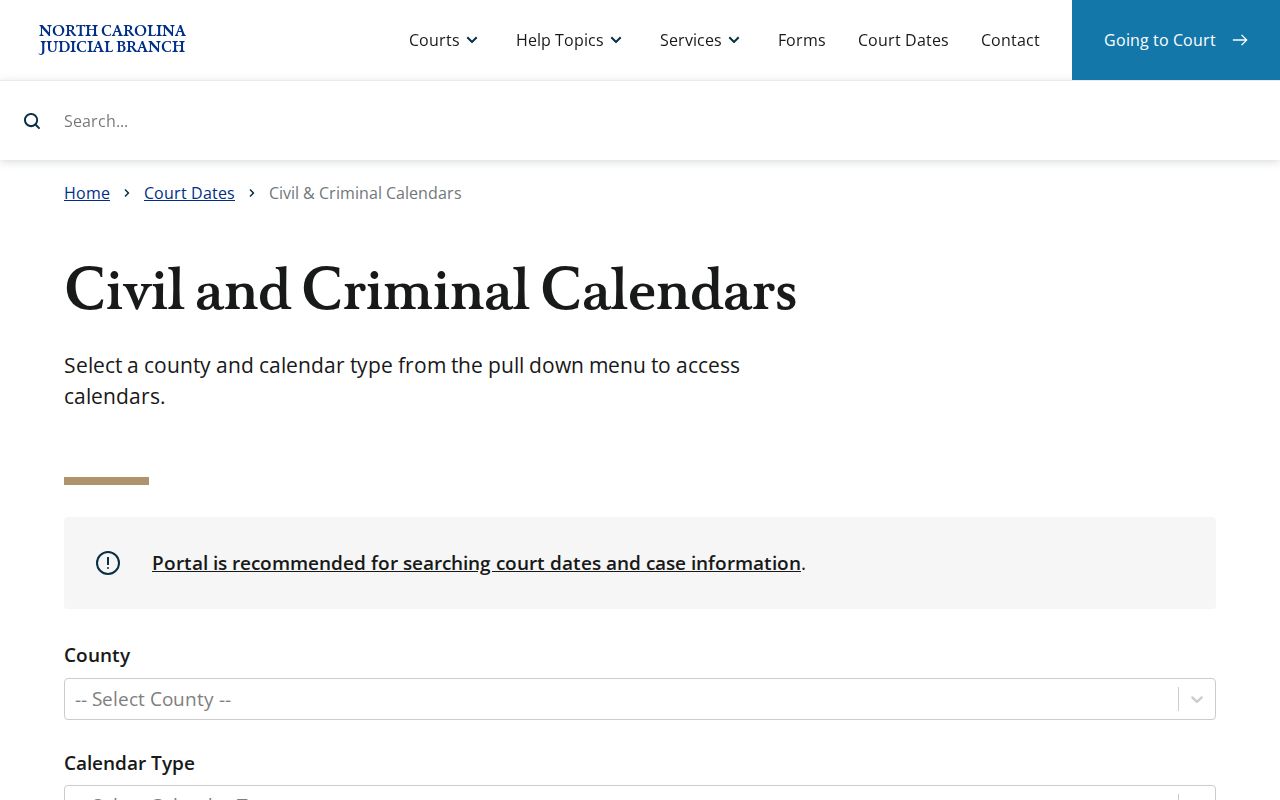
The statewide calendar channel widens the net. Johnston location details, solid case information, and a call to the court office keep the result tied to the right setting.