
Name-Based Case Searches
Start at the North Carolina eCourts Portal. Its Smart Search tool takes a name in last, first form or a case number. You can use it without an account. A common name could pull matches from across North Carolina. Set Location to Johnston County first in that case. Names help when the number is unknown. But expect a crowd of similar names in return. The Portal lists parties other than victims. A plain public view hides a date of birth behind xx/xx/xxxx. Type the exact last and first name. Then open the matching case number instead of treating the results list itself as the record. From the Case Summary you can reach the Register of Actions. That is Johnston County's chronological view of public events. Read the case type, status, county, and events closely. That tells you whether a match is truly the case you want.
- Open Smart Search in the North Carolina eCourts Portal.
- Enter the person name as last name, then first name, in Search Criteria.
- Select Johnston County or use advanced filters after entering the basic criterion.
- Open a matching case number and read the Case Summary and Register of Actions.
The official Portal guide documents these fields and limits:
| Field Label | Type | Required | Johnston County use |
|---|---|---|---|
| Search Criteria | Text | Yes | Enter a complete case number or person name, last then first. |
| Advanced Filtering Options | Expandable control | No | It narrows a basic search and cannot be used alone. |
| Search Type | Dropdown | No | Displayed choices include Case Number, Party Name, Business Name, Citation Number, Attorney Name, and Attorney Bar Number. |
| Location | Dropdown | No | Select Johnston County to narrow an otherwise statewide search. |
| Case Type and Status | Dropdowns | No | Useful after a basic criterion, with types and statuses that vary by case. |
Note: A name result is only a lead. Confirm the county and case details before trusting it for a court date or filing history.
Johnston County Case Search Pilot
Johnston County was among the first Odyssey pilot counties when eCourts, Portal, and File & Serve went live on February 13, 2023. The Judicial Branch launch announcement confirms the local change. The Portal is now part of the statewide eCourts system, but Johnston's early conversion date matters when reading older case information. A searcher may encounter legacy material or time displays that need context instead of an assumption that every historic event was created electronically.
The official eCourts launch announcement is the source for this Johnston County case-search image.
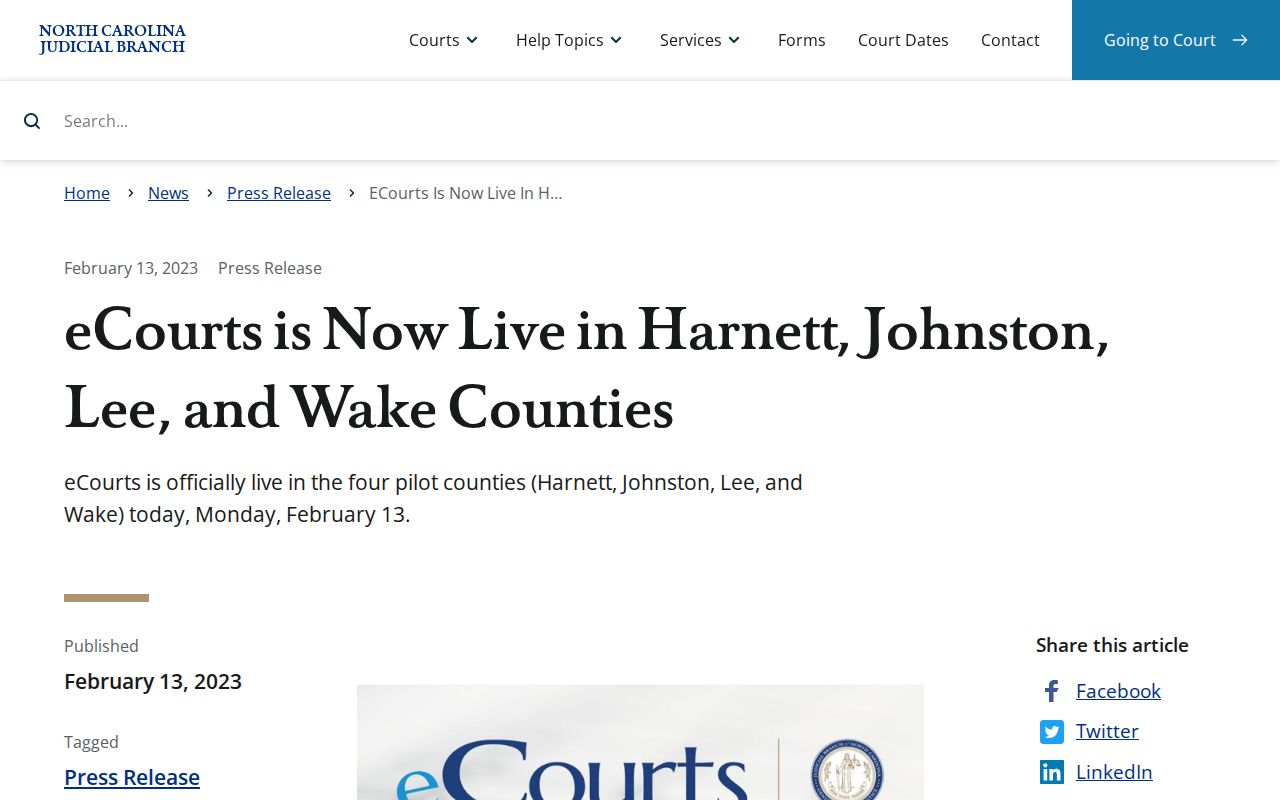
That history is why Smart Search serves as the practical first lookup channel, while the Smithfield clerk still matters for the underlying file.
Case Number Searches
Nothing beats a complete number for a Johnston County case search. Enter it in Smart Search exactly as it appears. Keep the dash, and add the correct three-digit county code where the Portal demands one. Johnston's early pilot code was 500. A full number can carry this suffix; no single sample format fits every historic case. So copy the number straight from the citation, notice, prior court paper, or Portal result. Don't rework its punctuation or guess at a case-type segment. Portal guidance warns that a partial number can fail outright. It also draws a line between the two search types. One complete number targets a single case. A name search can hit the 200-result cap. No result? Check every character. Pick Johnston County where needed. Then take any file-access question to the clerk or the public terminal.
Johnston County Case Result Limits
Smart Search stops at 200 results. A message saying 200 results were returned does not mean only 200 cases exist. Run the plain name or number first. Then turn to Advanced Filtering Options to cut the pool by location, Search Type, case type, case status, or an available date field. Filters alone won't work; they refine a search already run. That order avoids a common dead end and keeps the Johnston County case list manageable. Businesses take a separate path. Per the Portal guide, a business name needs Advanced Filtering with the Business Name Search Type. So begin exact and widen slowly. The Portal FAQs list format problems and non-Odyssey counties among the reasons for a no-match message. A no-match can also stem from a restricted case type. Treat it as a dead end for that search. Never treat it as proof no court matter existed.
Case Search Results Explained
Click a result and Portal opens what it calls a Case Summary. Sections show up only when data exists. The Public Register of Actions lists filings and other recorded events in order. Disposition details sit in the Dispositions section. Money matters surface under a Financial section when the case has one. Treat the Register of Actions as a reference view, though, not the official court record. A missing section proves nothing; it does not mean the case had no such activity. This inventory draws on official training screens rather than any individual Johnston County case:
| Case number and location | Identifies the case and county. A complete number can carry a county suffix. |
|---|---|
| Case type and status | Searchable labels such as Pending, Appealed, Reopened, Stayed, or a disposition status. |
| Case Summary | Groups available public information sections; empty sections may not display. |
| Register of Actions | Chronological events such as filings, notices, settings, orders, and dispositions. |
| Financial and Dispositions | Appear when data exists; Portal directs users to review current financial details in Smart Search. |
| Documents | May be available when public and docketable, but no universal document-image availability is promised. |
For a certified document or the original file, go to the Johnston County Clerk of Superior Court rather than a Portal screen. The related Court Case Records route explains copies and certification.
Johnston Case Summary Terms
Some Portal labels invite overreading, so treat them carefully. A Register of Actions lists case events in order. But it is not the official court record itself. A disposition is simply outcome information. Pending means the case is still open in the displayed system. Disposed means a court or clerk disposition occurred. The label does not spell out every part of that outcome. A setting is a planned court date or session, and court action can change it.
- Judgment Search
- A Portal reference index. Review the Register and Dispositions for more current case detail.
- Case Summary
- The Portal screen that collects the public information sections available for one case.
- Transferred to Superior Court
- A Portal status option that can be significant when a District Court matter moves to Superior Court.
- Financial section
- A section that appears only if financial data exists; verify it before making an available Portal payment.
One more caution dates from Johnston's February 2023 conversion. Events before that date can display as 12:00 AM in Judgment Search. Treat that as a migration boundary. It is not proof each event happened at midnight.
Two Ways to Search: County and State
The North Carolina eCourts Portal is a statewide layer rather than a county-built Johnston database. Smart Search covers Odyssey-implemented counties, and the Location filter narrows results to Johnston County. That makes the Portal handy for broad searches. Use it when you are unsure of the county or searching several at once. The Johnston Clerk remains the county-specific channel for official files. Search Hearings is the tighter Portal tool for a court date. When a setting changes, Johnston's local schedules and court offices are the way to confirm it.
| North Carolina eCourts Portal | Johnston County Clerk of Superior Court |
|---|---|
| Statewide public search layer for Odyssey case information. | County custodian of original court files and certified copies. |
| Smart Search, Search Hearings, Judgment Search, and eligible Make Payments. | File inspection, plain copies, certified copies, and public-terminal assistance. |
| Register of Actions and Case Summary are reference views, subject to restrictions. | The official record is held in the county where the case is located. |
Johnston County Filing and Search
The Portal only lets you look. Filing works differently. It runs through North Carolina eCourts/Enterprise Justice File & Serve, which is the filing side of the Odyssey system. So a public docket search and a filing account do two separate jobs. Filing a document there never changes the Portal's role. It is still not a way to order an official record. And a Portal lookup never submits anything to the Johnston County court on your behalf.
The official File & Serve interface handles the submissions. Attorneys and self-represented filers submit documents to the court there.
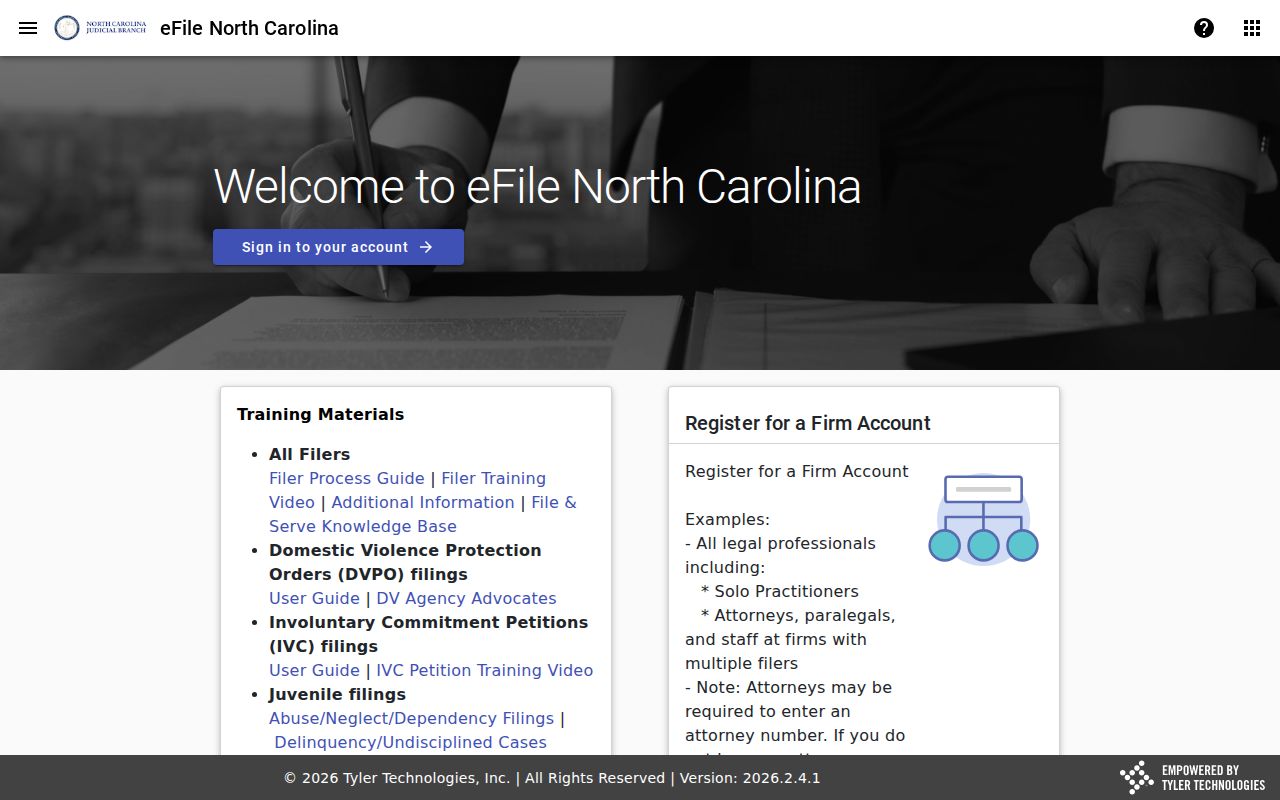
The split matters when a case is visible online but a party must make a formal filing. It also matters when someone needs a court-file copy from the clerk.
Which Cases Stay Restricted
Ordinary nonrestricted civil, criminal, estate, and special-proceeding case information may appear in Portal. Sealed or confidential cases and sensitive documents are not viewable there. Juvenile records stay closed to public inspection under G.S. 7B-3000, subject to the statute's access and court-order rules. Expunction files get separate confidential treatment under G.S. 15A-151. If a Johnston County case search returns nothing, first fix the name or complete case number. Then check the county filter. Next, ask whether the matter predates accessible electronic records or is restricted. After that, call or visit the Clerk about lawful access to the file. Public search access cannot bypass a seal, juvenile confidentiality, or an expunction restriction. Public results also mask dates of birth. A missing Portal result alone does not prove a court case never existed.
Johnston Clerk Case Records
Portal coming up empty is one reason to call. The Johnston County Clerk of Superior Court is the official-record contact when you need a paper file or certified document. The courthouse sits at 207 E Johnston St, Smithfield, NC 27577. The clerk's main number is (919) 209-5400. State guidance also puts public self-service terminals in clerk offices. Those cover civil, criminal, special proceeding, and estate research. Ask the office directly about the terminal. No specific Johnston terminal room or document set is published. The Remote Public Access Program is something else entirely. It serves licensees who want real-time or bulk data, not the ordinary individual case search. The program overview appears in this Johnston County case search image.
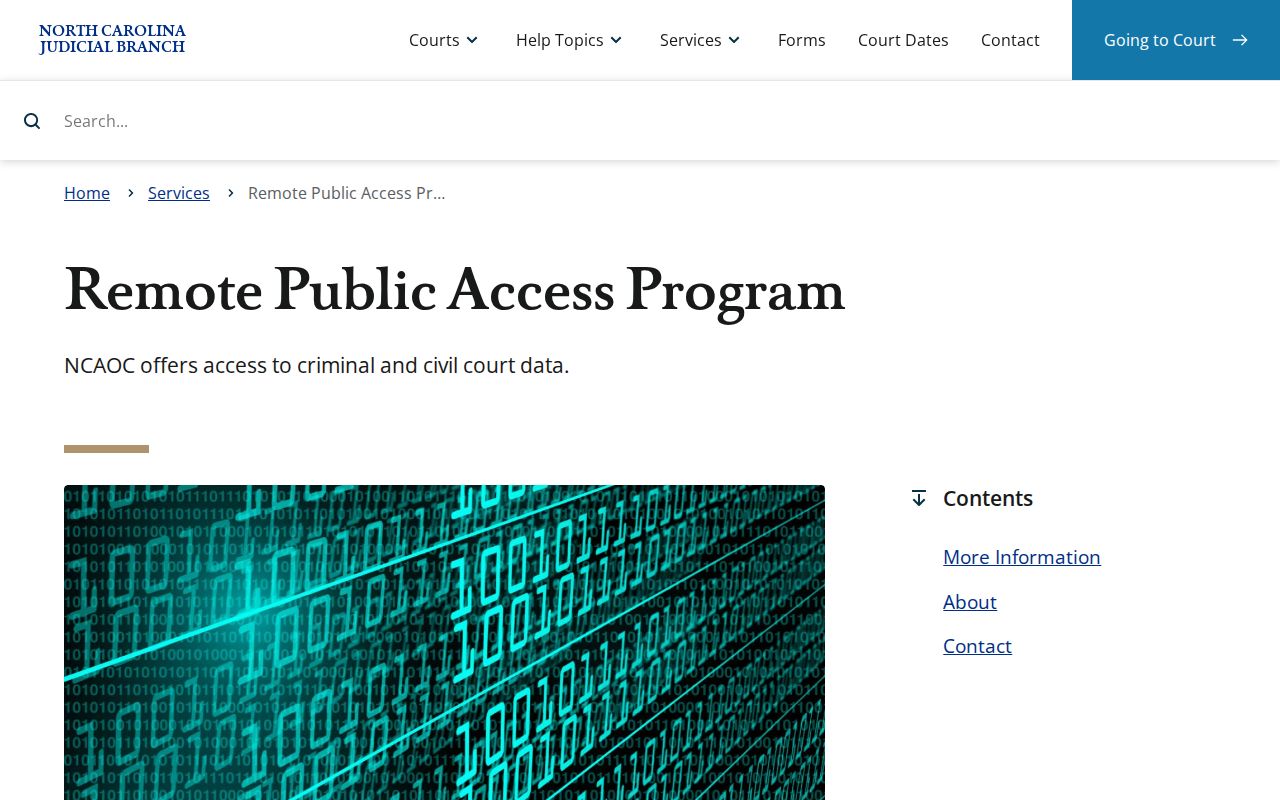
For most people the split is simple. Portal gives a public reference view, and the Johnston Clerk holds the original case file or a certification. The eCourts expansion release also quoted Johnston Clerk Michelle Ball on the shift to digital and cloud-hosted records.
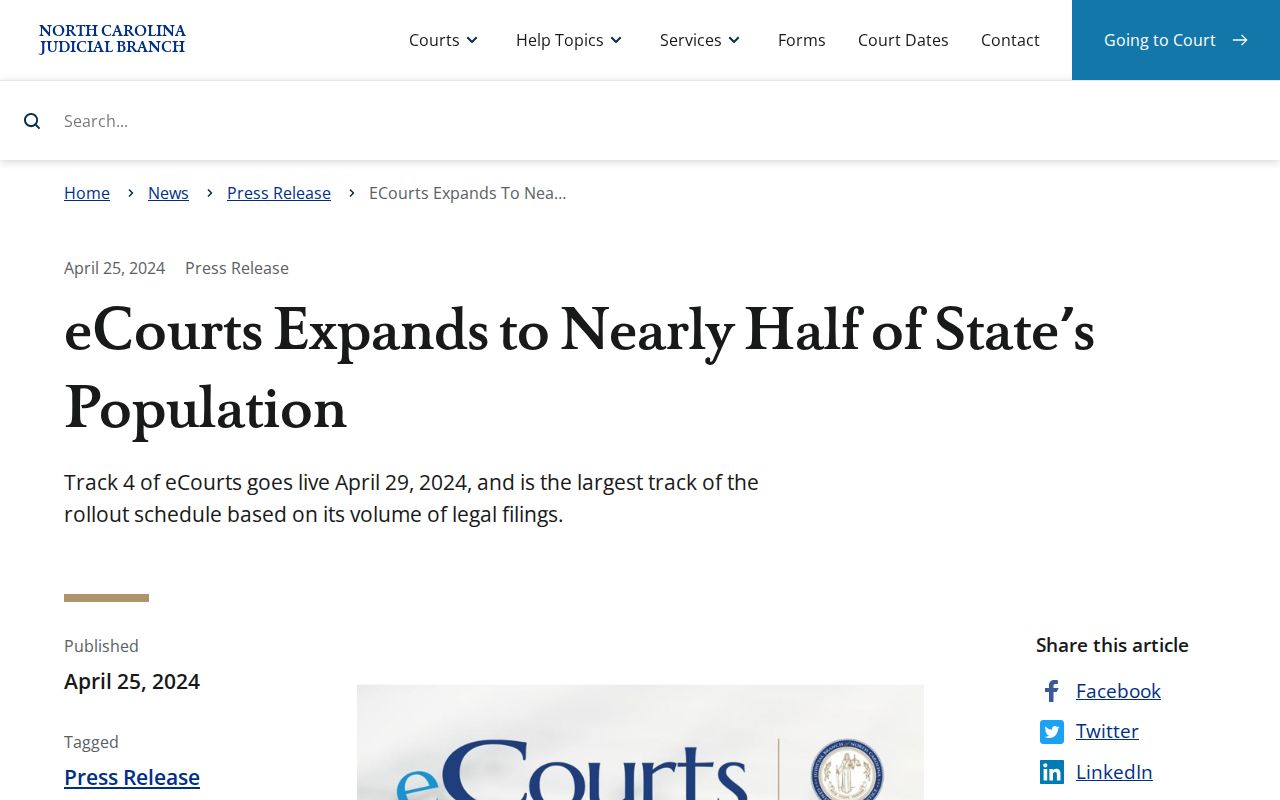
Digital access changed how you look things up. It did not move custody of the official Johnston court file away from the clerk.