
Johnston County Civil Docket Searches
Start at the North Carolina eCourts Portal. Pick Smart Search for any Johnston civil case. An anonymous public user can look up a full case number. Or type a party name as last, first. Click the case number on a Johnston result. The case summary then opens its Register of Actions, the chronological list of events in the case. Treat it as a reference. The official court record still sits with the clerk.
Save the advanced filters for after you enter basic criteria. Johnston County matters as a location filter because the Portal sweeps every Odyssey county. A full Johnston case number beats a common name every time. Say a search pulls 200 results. Narrow it with a Johnston location, case type, status, or another compatible filter. Need a hearing rather than a file history? Choose Search Hearings. Select Johnston and Civil, pick one criterion, and keep the date range tight.
- Open Smart Search and enter a party name or a complete case number.
- Set Location to Johnston County if the initial result is too broad.
- Use a civil case-type or case-status filter after the initial criteria.
- Open the case summary and select the Register of Actions for events and available disposition details.
- Contact the Johnston County Clerk of Superior Court for a paper file, a copy, certification, or a record not visible online.
Johnston Civil Portal Filters
The Portal's case-type picker offers handy Johnston civil search terms. Its published list spans Civil General, Civil Magistrate, Civil Foreclosure (CV), Civil Foreclosure (M), Confession of Judgment, Non-Domestic Restraining Orders, and several domestic categories. Treat these as interface labels. They are not a promise that every type exists for every Johnston date or user role. Even so, the right filter can sharpen a broad Johnston name search. The result is a useful case search.
| Field | Use in a Johnston civil search |
|---|---|
| Search Criteria | Enter a case number or party name in last, first form. |
| Advanced Location | Choose Johnston County to focus the statewide result set. |
| Case Type | Use Civil General, Civil Magistrate, a foreclosure label, or another displayed civil category when appropriate. |
| Case Status | Available examples include Pending, Appealed, Disposed, Reopened, Stayed, transfer, trial, and voluntary-dismissal entries. |
| Search Hearings | Select Civil and add a date range to search future or recent settings. |
Johnston joined the eCourts pilot early. It went live with Odyssey, Portal, and File & Serve in February 2023. For Johnston civil cases, the Portal is the view-only public search layer. Filing is separate. That side runs through North Carolina eCourts/Enterprise Justice File & Serve.
Civil Dockets: What They Show
A Johnston civil case summary shows a section only when the data behind it exists. The public view may include the case number, case type, status, party-search context, a chronological Register of Actions, a Dispositions section, and financial information where present. A Johnston filing can be visible when it is public and available. The state guidance does not promise a downloadable document for every event, though. Sensitive and restricted Johnston documents stay outside ordinary public access.
| Case number | The identifier used to retrieve the civil case, entered completely for a number search. |
|---|---|
| Case type and status | Portal labels that help classify the matter and its displayed state. |
| Register of Actions | A chronological list of docketed events, filings, notices, orders, and settings. |
| Dispositions | Available outcome details identified by the Portal guide. |
| Financial section | A section that appears only when the case summary contains financial data. |
Judgment Search is a snapshot for reference, not a substitute for the full Johnston case summary and Register. When you need a document, a copy, or a certification, find the case first, then follow the clerk process laid out in Johnston court case records.
Johnston Civil Court Division Guide
North Carolina's two trial divisions share general civil jurisdiction, and the claim's size decides which one fits. District Court District 12 handles civil actions of $25,000 or less. Superior Court District 13 takes actions above $25,000. Magistrates hear small claims plus certain related civil work. That split explains a common puzzle. Two Johnston civil searches can show different court contexts even though one clerk keeps the county file.
| Johnston civil path | Typical work | Record channel |
|---|---|---|
| Superior Court District 13 | Civil actions properly above $25,000 and other Superior Court matters. | Portal for case information; Johnston Clerk for the official file. |
| District Court District 12 | Civil matters properly $25,000 or less and domestic matters in its range. | Portal for case information; Johnston Clerk for the official file. |
| Magistrates | Small claims and specified civil preliminary matters. | Johnston Clerk channel; civil magistrates: (919) 209-5460. |
These Johnston divisions are different court settings, not separate county record systems. A civil search may start in the Portal. The official custodian stays the same. The Johnston Clerk of Superior Court holds the civil, domestic, estate, and special-proceeding files filed in Johnston County.
What Cases Fill the Civil Docket
Public Johnston civil records can cover general civil, magistrate, domestic, estate, special-proceeding, foreclosure-related, judgment-related, and restraining-order matters. The online labels make a search more exact. They do not bend the basic custodial rule. The Johnston County Clerk of Superior Court keeps the court file. A city office or the Register of Deeds may hold other records, but neither becomes custodian of a Johnston civil court file just because a dispute touches property, marriage, or a local incident.
- Civil General matters in the Portal's civil case-type list.
- Civil Magistrate matters and other magistrate-connected civil proceedings.
- Civil Foreclosure (CV) and Civil Foreclosure (M) court files.
- Confession of Judgment and Non-Domestic Restraining Order categories.
- Public domestic categories shown by Portal where access is not restricted.
Note: A court-file foreclosure search concerns a judicial case record. Deed records live in a separate records channel.
Johnston Civil Court File Boundaries
Know what you are actually getting. That comes first, before you rely on a Johnston County civil court record. The Portal's Register of Actions gives you the event history of a case. A filed document is a pleading, order, judgment, or other paper sitting in the court file, and not all of it is online. A certified copy is a clerk-certified court copy. None of these three are interchangeable. A printout of a Portal result is not a certified copy. Looks do not change that.
A Johnston County civil document may be unavailable online. In that case, contact the clerk where the case was filed. The NCAOC public-record form is the wrong door for a county case file. The NCAOC itself says it is not the custodian of county court documents or case information. That role belongs to the Johnston County Clerk of Superior Court. The county's local rules and forms page gathers the court rules and local forms the county publishes. It is a good place to see how Johnston County handles civil filings.
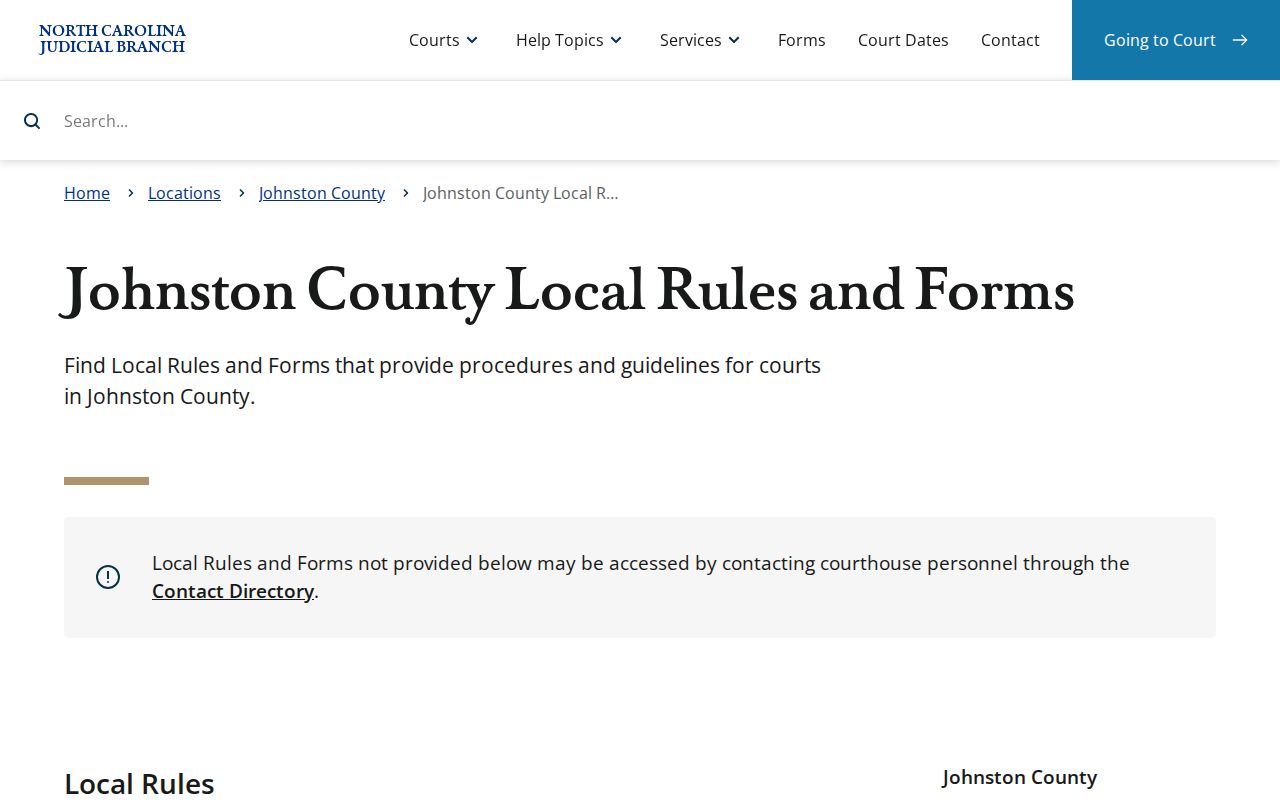
Local rules can explain the procedure. The underlying civil file still comes from the clerk.
Hearings on the Civil Docket
A hearing date on the Johnston civil docket belongs to the live case history. It is not just a printed calendar entry. Search Hearings is the tool built for this. Filter by Johnston County, Civil, a search type, and a date range, then open the linked case summary and Register of Actions to see recent entries that might explain the setting. The Johnston schedules page adds session-level detail. It includes local Civil Calendars, Criminal Calendars, a master calendar, and published District 12 schedules.
Even a published Johnston schedule only shows how a civil session is laid out. It does not prove your case is still set. Use the Johnston court schedule to see the full sequence of channels. For a live question, confirm through Search Hearings, the case Register, and the right court office or clerk.
Johnston Civil Setting Channel
Johnston County sits in District 13. Its Civil Superior Case Management Plan gives civil settings a clear channel. Effective July 1, 2024, court communications go to Court Administrator Barbara Johnson at PO Box 2739, Smithfield, NC 27577, telephone (919) 209-5512. The email address is listed in the plan. That beats a vague call to the courthouse when a Superior Court civil setting needs sorting out. One caution applies. The plan does not convert an informal communication into a filed motion; it sets a local process with notice to the other parties. Portal and the calendars remain the public starting points, and the court administrator or clerk can clarify the current setting and local process where appropriate.
The structure above rests on state law. A North Carolina Chapter 7A jurisdiction source lays out the civil division framework that Johnston operates under.
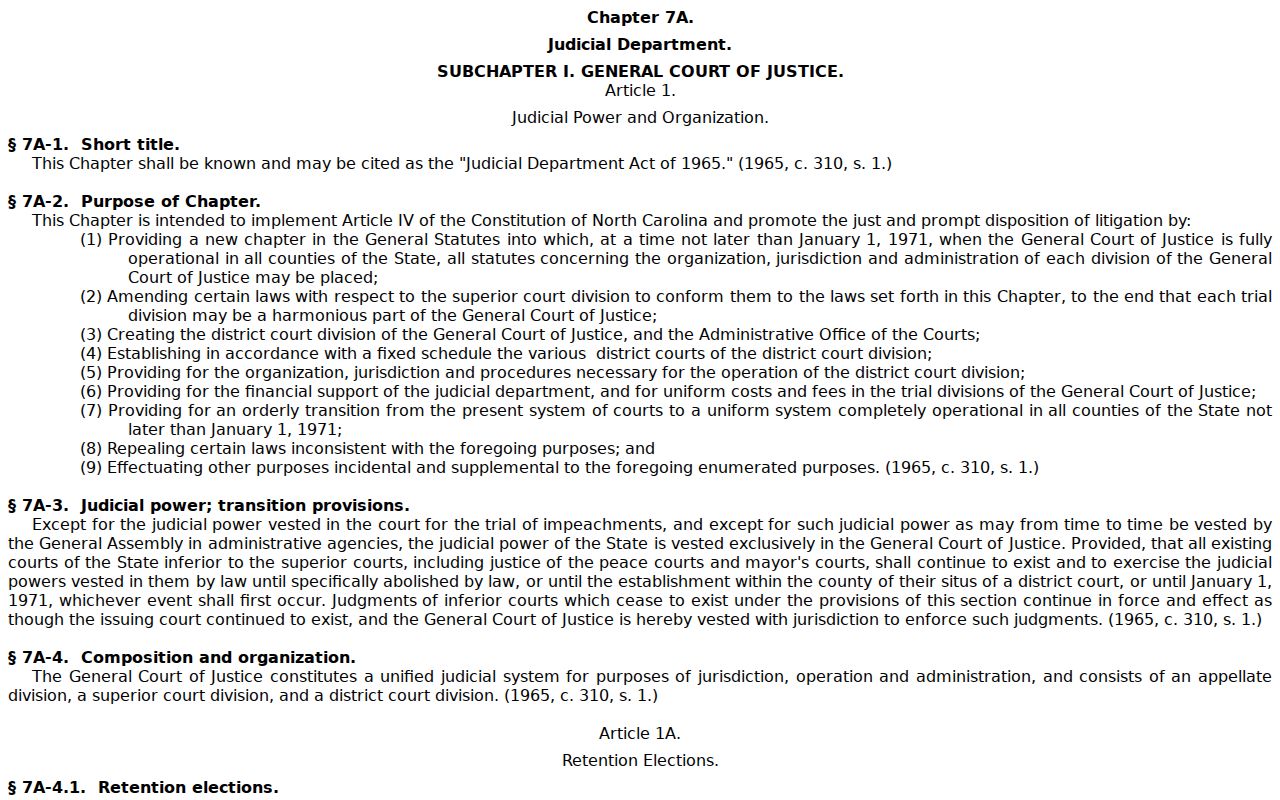
Division rules frame the civil docket. A current Portal and court-office check settle the immediate hearing question.
Who Can See Civil Dockets
Johnston clerk-maintained court records are generally open during regular hours unless a law says otherwise. The eCourts Portal opens some Johnston civil case information to anonymous users. Restricted case types and sensitive documents stay off limits. For inspection, copies, and certification, the Clerk's original file is the official source. Nothing showing up online? Check your search format and location first. Then ask the Clerk about lawful access to the specific case.
Key civil access rules
G.S. 7A-109 provides the general rule for access to clerk-maintained records during regular office hours.
G.S. 132-6.2 addresses inspection and copies of public records and permitted costs.
G.S. 1-72.1 provides a motion procedure for a person asserting access to a civil judicial record or proceeding.
Portal access is convenient, yet it changes nothing about the legal limits on sealed, confidential, or sensitive court material. A Johnston civil Register of Actions can steer a record request, but it does not make every document and data field a public online item.
Johnston Civil Access Procedure
Start with Portal for ordinary public Johnston case information. When you need a document, paper inspection, a plain copy, or certification, call or visit the Johnston County Clerk of Superior Court at the Johnston County Courthouse, 207 E Johnston St, Smithfield, (919) 209-5400. Bring the case number. Include the court, the document or event title, and an approximate date. This is also the practical fallback for a civil case that is not visible online but may be lawfully accessible in the clerk's file.
State law backs the process. G.S. 1-72.1 is set out in an official civil-record access source.
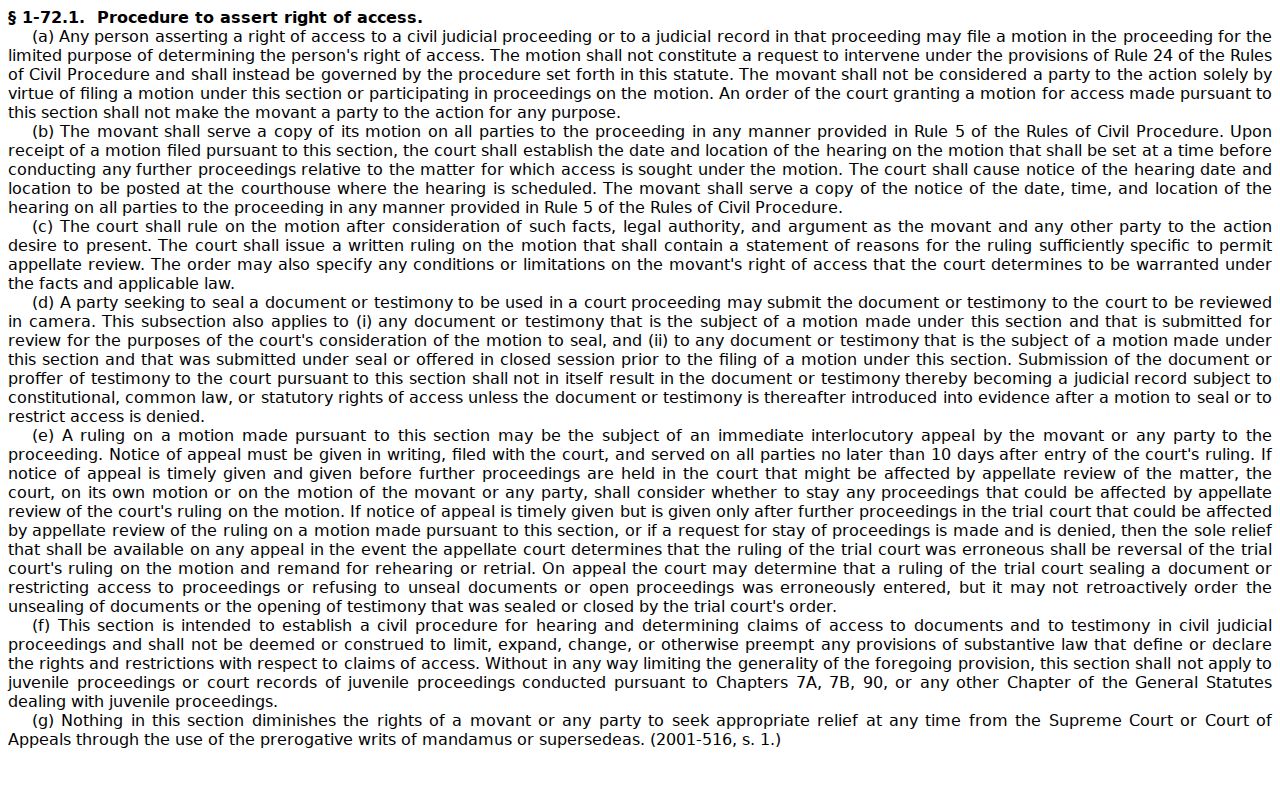
The statute supplies an access procedure. A case-specific request still starts with the Johnston clerk, which holds the county file.